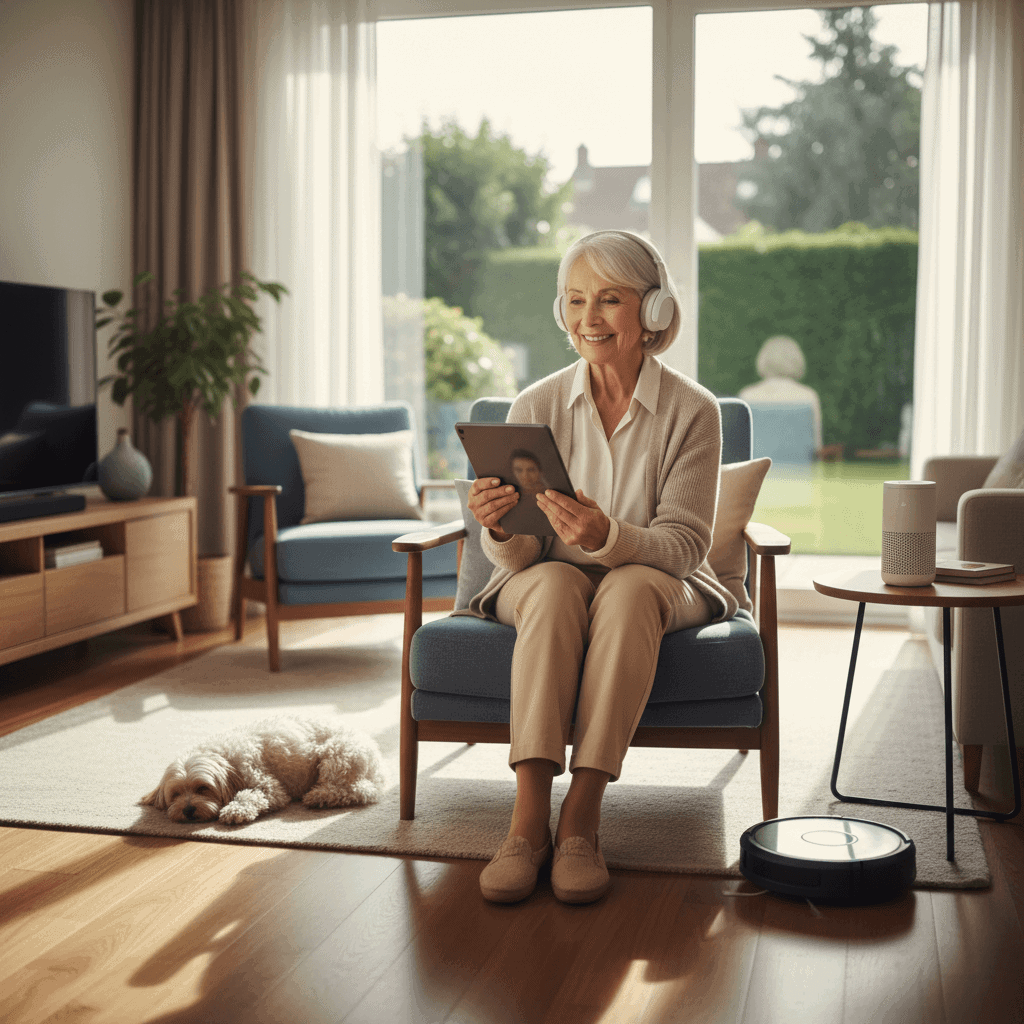
Maintaining dignity while living independently is a major concern for older adults, their families, and health professionals. Questions about safety, privacy, mobility, and social connection shape daily choices. Technology is often presented as a solution. The real test is whether it respects individuality and supports autonomy without taking control away.
In this article I examine practical examples of devices and services that help older adults live with more independence. I look at common barriers, design elements that matter, privacy and ethical issues, and practical tips for choosing options that match personal needs. The goal is to give clear guidance so readers can match tools to real life in ways that preserve dignity and confidence.
Why dignity and independence matter for older adults
Quality of life in later years depends on a mix of physical health, mental well being, social contact, and a sense of agency. Studies and surveys show that a large share of older adults prefer to remain in their own homes rather than move to institutional settings. Remaining in place can reduce stress and support routines that matter to identity.
Dignity is about more than privacy. It includes having choices about daily activities, being treated respectfully, and avoiding loss of control. When technology is introduced, it must fit into this human context. A device that monitors movement without consulting the user risks stripping away dignity. The ideal tech supports decision making while letting the person retain control.
Common barriers that limit independent living
Several recurring obstacles make independent living harder for older adults. Recognizing these barriers helps when evaluating solutions.
- Mobility and balance issues that increase fall risk
- Memory lapses that affect medication or appointments
- Hearing or vision loss that complicates communication
- Social isolation that leads to loneliness or depression
- Home hazards such as poor lighting, loose rugs, or inaccessible storage
- Complexity of modern devices that can intimidate people who did not grow up with them
Each barrier calls for a different mix of products, home changes, and human involvement. Tech is not a single answer. It can be one part of a plan that includes home modifications, regular social contact, and medical review.
Practical devices and apps that support autonomy
There is a wide range of consumer products that can make daily life safer and more manageable. Below are several categories with concrete examples and tips for choosing solutions in real settings.
A good overview of design approaches and real projects that aim to preserve dignity is available here tech that helps seniors which highlights user focused case studies and research findings.
Wearable health monitors
Simple wrist worn devices can record heart rate trends, steps, and sleep patterns. Some units also include fall detection and an emergency call function. When selecting a device check battery life, ease of charging, and clarity of alerts. Look for a display that is readable with common vision changes. A band that can be removed for washing without losing data will fit more lifestyles.
Tip If a person worries about stigma, choose a device that looks like everyday jewelry or a watch. That increases acceptance and daily use.
Home sensors and connected home basics
Motion sensors, door sensors, and smart lighting can reduce fall risk and simplify routines. For example, a night light that activates when someone gets out of bed can prevent trips. Door sensors can notify a caregiver if a loved one leaves home at unusual times. When using sensors, configure alerts so they are meaningful and not overwhelming.
Tip Group alerts into levels. Low level notifications can be logged. High level events such as a fall should trigger a call. This prevents alert fatigue among family and neighbors.
Design principles that preserve dignity and usability
Design matters more than brand names. Devices and apps that respect dignity follow a few simple rules.
- Make control visible and simple. Users should be able to turn functions on or off without complex menus.
- Favor clear language and large touch targets for screens. Avoid tiny text and ambiguous icons.
- Offer consent choices. Let people decide what data is shared and with whom.
- Design for gradual learning. Include a mode that simplifies features and a way to expand functions later as comfort grows.
- Test with real users from the intended population before widespread use.
Example A medication reminder device that allows the user to silence an alert and record that a dose was taken preserves agency. By contrast an alarm that triggers third party intervention without prior consent can feel intrusive.
How families and caregivers can support safe independence
Family members play a central role. The best approach balances respect for the older adult with realistic safety planning.
- Start with a conversation. Ask what matters most and what worries the person about using new tools.
- Introduce one change at a time. Sudden shifts are harder to accept.
- Focus on training and practice. Spend time with the device so the person gains confidence.
- Agree on monitoring boundaries. Decide which alerts are shared and which remain private.
- Check devices periodically. Batteries, software updates, and physical wear can cause failures that reduce usefulness.
Tip Encourage a local trial period when possible. Many vendors offer return windows. A trial reduces the risk of buying equipment that is not a fit.
Ethical and privacy considerations for using technology with older adults
Privacy matters even when safety is at stake. Ethical use of technology requires clear consent, transparent data handling, and a plan for who sees information and why. Cameras in private spaces are especially sensitive. If a camera is used, it should be discussed openly and alternatives such as motion detection should be considered first.
Data security is another practical issue. Choose companies with clear privacy policies and options to limit data sharing. Ask how long records are kept and whether data is encrypted. If a product stores sensitive health signals, confirm whether those records meet recognized standards for medical data.
Tip When possible, set up accounts with two factor verification and create a single trusted contact who can manage access settings. Keep written notes of what was agreed for future reference.
Next steps and adoption tips for choosing the right solutions
Choosing the right mix of tools starts with needs assessment and realistic expectations. A short checklist can streamline selection.
- Identify top priorities such as preventing falls, medication reminders, or staying socially connected
- Evaluate ease of use by testing devices in person
- Consider total cost including subscriptions and replacement parts
- Read independent reviews and seek feedback from peers who have used the products
- Plan a trial period with an exit plan if a solution is not suitable
Tip Keep a diary for two weeks documenting daily challenges. This clarifies which functions are truly helpful when comparing products.
Practical scenarios and examples from real life
Case 1 A retired teacher with mild hearing loss found that a simple amplified telephone and captioning app for video calls allowed continued participation in community groups. The phone required no complex steps and the person regained confidence in hosting guests.
Case 2 A person with early stage memory loss benefited from a pill dispenser that unlocked only at scheduled times and recorded each opening. Family members received a daily summary rather than continuous monitoring which preserved privacy and limited interruptions.
Case 3 A neighbor used motion activated lighting and a grab rail near key steps after a minor fall. No electronic monitoring was needed. Small environmental changes paired with a wearable alert pendant provided a low tech solution that kept routines intact.
Common pitfalls and how to avoid them
There are practical missteps that reduce value. Avoid these to get better outcomes.
- Buying a high feature device without checking if those features will be used
- Allowing remote access without clear consent and a plan to revoke it if needed
- Ignoring the need for simple instructions and hands on practice
- Assuming that one product will solve multiple different problems
Tip Pair technology introductions with a short printed guide tailored to the individual. Keep instructions short and use photographs or screenshots for clarity.
Choosing interventions that align with the person s daily life raises acceptance. Respectful communication and small steps lead to sustained use. Family members should prioritize trust over tech novelty.
Conclusion
Technology can offer a real path toward dignified independence when it is selected and used thoughtfully. The most successful solutions are those that fit individual routines, respect privacy, and make daily tasks simpler without taking control away. Clear choices include wearable health monitors, home sensors, simple communication tools, and environmental adjustments such as lighting and hand rails. Combining a few well chosen tools with open conversation, practical training, and agreed boundaries produces better outcomes than piling on numerous devices.
Practical next steps include identifying top priorities, testing devices in a trial period, and documenting preferences for data sharing and alerts. Invite the older adult to lead decisions as much as possible. If you are unsure where to start, consult resources that focus on design that preserves dignity and on real case studies. Finally take action today by making a short list of one or two items that could make daily life safer or more comfortable. Try those for a month and gather feedback. Small, respectful changes often make the greatest difference. If you would like support with a specific situation, reach out to a local health professional or technology consultant to set up a trial and a plan tailored to personal needs.